Copy the finished note
“I accept & copy text” puts the fully formatted note straight onto your clipboard, ready to paste into your organisation’s existing system, whatever that is.
Releasing to a small number of Australian organisations
Answer guided questions, by voice or by typing, and get a clean, strengths‑based case note that never loses sight of safety and the voices of children.
The new way to do admin
A short sequence of prompts that adapts to the kind of interaction you just had, each one answerable out loud in a sentence or two.
Who was there, when it happened, what you saw, what you did, what you agreed next. Speak your answer or type it. The mic is optional, never required. Sitting in the car afterwards is exactly the right time, on the fifth visit of the day as much as the first.
Your answers become a clean, structured, strengths‑based note while never losing sight of safety. Drafted on Australian‑resident AI. Nothing is sent overseas to write your note.
Read it, change anything you want, save it. Share it or copy it into your own system. You sign off on every line, and the accountability stays where it belongs.
Questions first, drafting second
A quality note comes from having the right information and detail in it. The flow asks the questions that suit the interaction and who was involved, so that information is there. The drafting then takes all of it and formulates it into a structured note.
On the phone in the car, or at the desk afterwards.
Select the type of interaction, who was part of it, and the date and time.
The app guides you through a flow of questions, based on the type of interaction and who was there. Answer by voice or by text. The questions are built to bring out strengths and progress, and to make sure worries are noted if they are there. If children were part of the interaction, it asks how they are and about your interactions with them.

The app takes everything and formulates it into a structured case note.

Nothing leaves until you’re happy with it. Copy it across on your phone, or pick it up on your computer, which is usually where your organisation’s system lives, and paste it in from there.
More on exactly where it goesAfter: what’s there tomorrow
It’s there the moment you save it, on any device you’re signed into, and it stays while it’s still a draft. Seven days after you transfer the note, our copy is deleted automatically. A copy stays on your own device unless you turn that off.
Three ways to transfer
“I accept & copy text” puts the fully formatted note straight onto your clipboard, ready to paste into your organisation’s existing system, whatever that is.
The other option emails a link straight to your own verified address, never anyone else’s. It opens the note once, it stops working after an hour, and there’s no attachment left sitting in an inbox.
Open the link on your computer and the note is there in your browser. If you have the free desktop app installed, it opens there too, on that same note, ready to copy across.
The case for speaking it
Speaking isn’t just easier and faster, it means more detail ends up in the note, and it doesn’t ask a worker to be as good at writing as they are at the job itself.
59%
What children’s social workers in England reported spending on case‑related paperwork. MacAlister’s final report called it “a staggering misuse of the greatest asset the children’s social care system has: its social workers.”
MacAlister, J. (2022). Independent Review of Children’s Social Care: Final Report. England. Read the report
37%
A longitudinal time‑and‑motion study of Australian community aged care case managers found documentation rising from 29.4% to 37.0% of office time across the study period, driven largely by time spent recording information.
Prgomet, M., Walter, S., Jorgensen, M., Georgiou, A. & Westbrook, J. (2020). Australian Health Review 44(6), 853–861. View the study
51.9%38.8%
Measured across 263 clinicians in six US health systems, before and after introducing ambient AI scribes. Across the literature, the wellbeing effect is consistently more robust than the time‑saving effect.
Use of Ambient AI Scribes to Reduce Administrative Burden and Professional Burnout (2025). Quality improvement study, six US health systems. View the study
These are the numbers from the published research: not our estimates, and not our customers’.
Not lost to a pile of other tasks. Change happens through relationship, and relationship needs someone who is actually in the room.
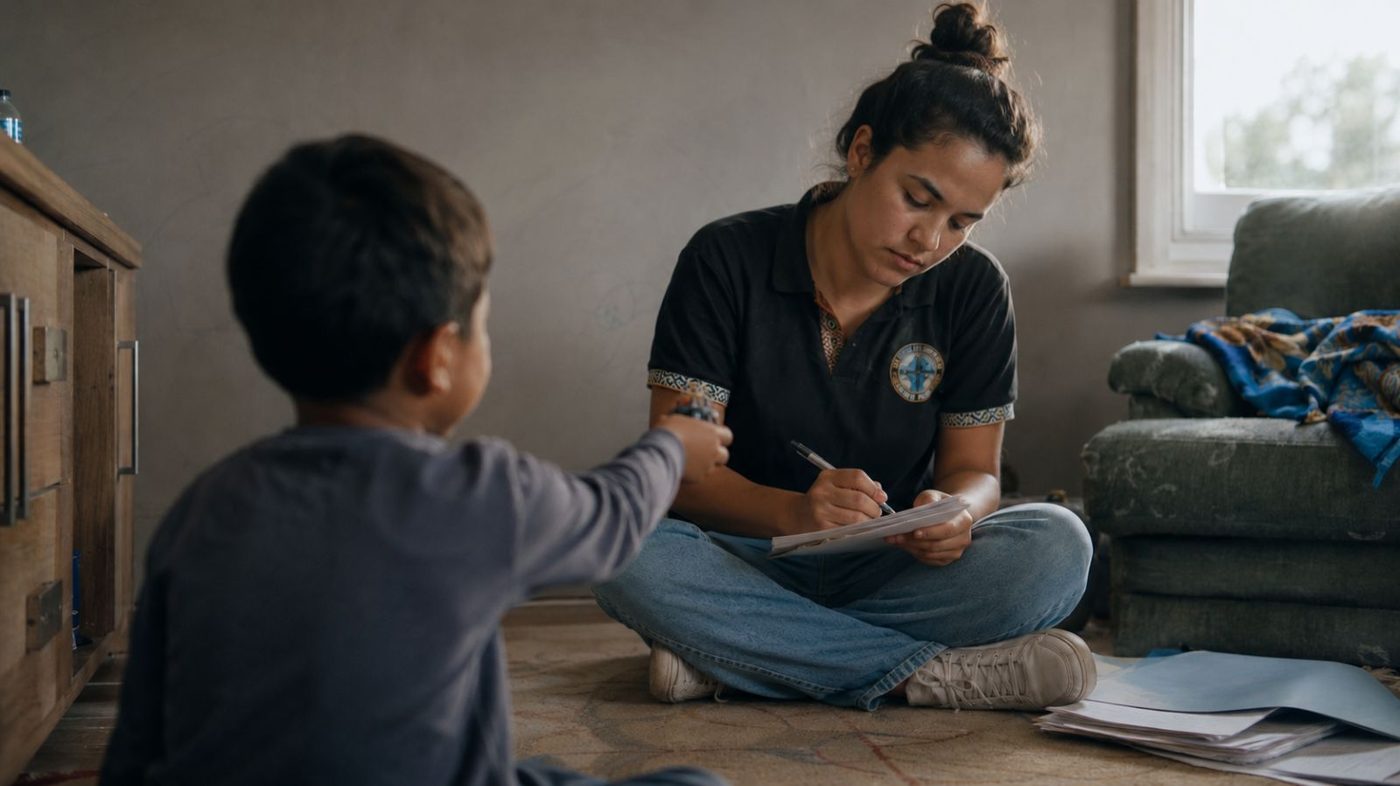
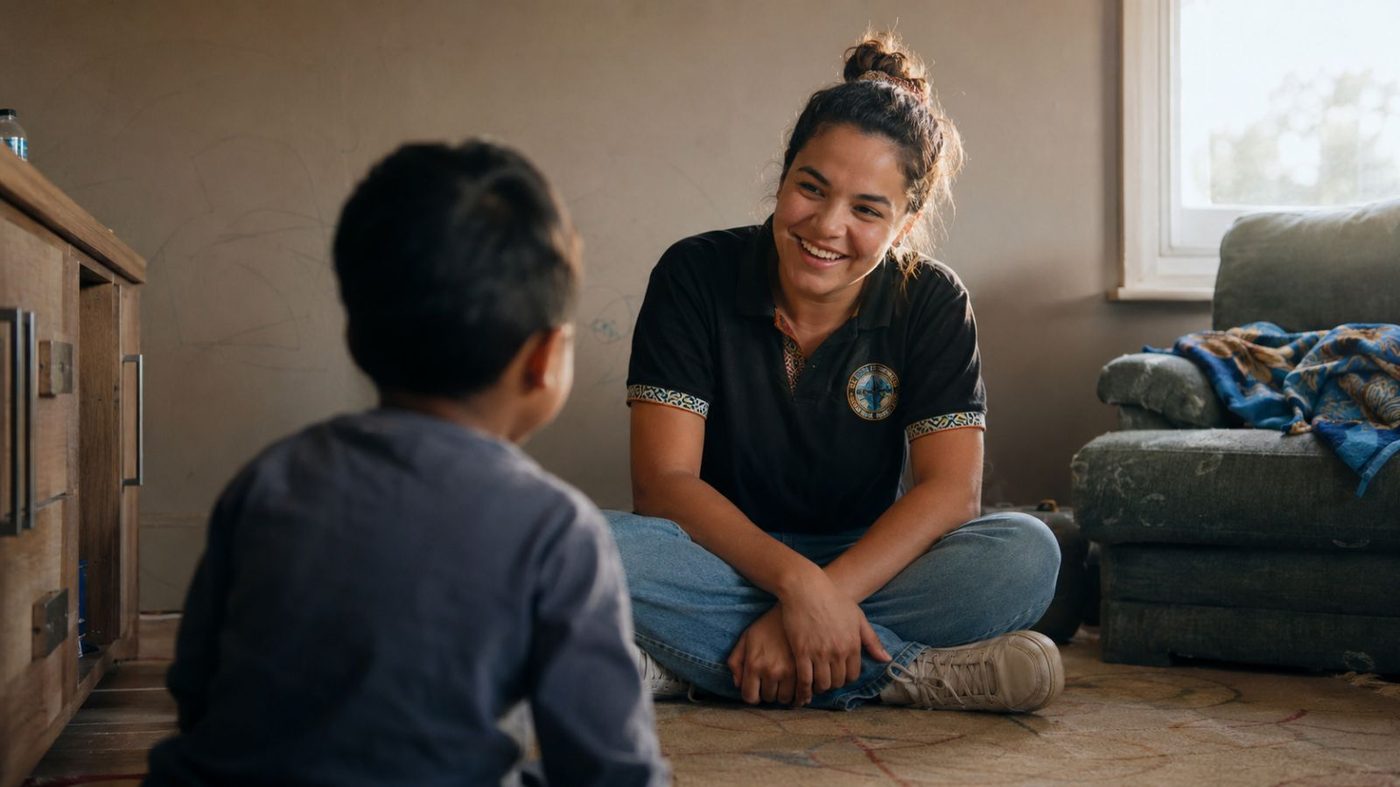
One flow, six shapes
A home visit, a phone call, a supervised contact and a knock at a door nobody answered aren’t the same conversation, so they shouldn’t be the same set of questions.
Plus a general case note for anything that doesn’t fit a tile.
The answers your procurement checklist needs
Written for the person in your organisation whose job is to ask the hard questions before anything gets signed.
Notes, transcripts and the AI drafting itself all stay on Australian servers, in Sydney. Encrypted in transit and at rest. Crash reporting and email delivery use named overseas providers that never receive client content.
See where every piece of data livesA drafted note stays inside CaseFlow Note while you’re working on it. Nothing goes to your organisation’s system until you approve the record and actively put it there. Change your mind, and nothing has been filed.
Your notes are never used to train AI models, never sold, never shared, and never used for any purpose beyond delivering the service to your organisation. We’re the custodian. It’s your data, not ours.
Voice audio is transcribed, then thrown away straight after: there is no audio file on the phone or on our servers. That deletion is itself logged, so there’s a record that it happened.
Built to the Australian Privacy Principles: APP 11 and APP 12 mapped, documented, and available for review. Request the compliance brief
For the person who rolls it out
Are you an organisation wanting to make sure your client notes include what they need to, while keeping your people doing the work that actually changes lives?
Consistent records across the team, whoever wrote them and however late in the day it was.
Not just the notes where someone remembered to include it.
Practitioners are asked about the children in the interaction every time, so they end up in the record as people rather than behaviour categories.
In either direction. Vague notes can’t show change. Specific ones can.
The paperwork is the part of the job practitioners dread. It is also the reason a lot of them leave.
A note’s content is visible only to the practitioner who wrote it. There is no supervisor view and no admin view into someone else’s note.
A note is a draft while it’s in CaseFlow Note. It becomes the organisation’s record when a practitioner reviews it and puts it into the system you already use and already govern. You are not taking on a second place where records live.
An admin invites practitioners by email, or brings a whole team on at once with a QR code valid for 15 minutes. No IT ticket needed. When someone leaves, their access can be switched off straight away, and whatever they’d already transferred into your system stays exactly where it is.
See seat pricing and bandsAnnual licences, priced per seat. No surprise add‑ons. We set up every seat with you: the app itself is sign‑in only.
Individual
$18/user / month
Billed annually · GST inclusive
One seat, from the day you subscribe. Right for a solo practitioner, or a first look before the wider team signs on.
Organisation licence
$15/user / month, from 50 seats
Banded by team size, billed annually · GST inclusive
The more seats, the lower the per‑seat rate. Admin invites, shared prompt templates and org‑wide settings included at every band.
| Seats | Per user / month |
|---|---|
| 1–9 | $18 |
| 10–49 | $16 |
| 50–99 | $15 |
| 100+ | Tailored: talk to us |
All prices in AUD and GST inclusive, billed annually. Onboarding is scheduled directly with us once you get in touch, with a start date that suits your team.
Every server we operate is in Australia. Case notes, transcripts
and AI drafting stay on Australian‑hosted infrastructure:
Supabase in Sydney (ap‑southeast‑2),
with drafting pinned to Vertex AI Sydney or Azure OpenAI
Australia East. Speech is transcribed on your device where your
phone or tablet supports it, and otherwise by your device
platform’s own speech service (Apple’s or
Google’s). The recording is discarded straight after
transcription, and the audio itself is never sent to Flow
Outcomes.
No. Not your notes, not your transcripts, not your clients’ information — not by us, and not by the AI providers we use.
That isn’t just our policy; it’s a term of the contracts we hold. Drafting runs on Google Vertex AI (Gemini) in Sydney, and on Microsoft Azure OpenAI in Australia East where an organisation enables it. Both are the paid enterprise services, which matters: the free and consumer versions of these same products do learn from what you type, and the enterprise ones are contractually barred from it. Google’s Training Restriction in its Cloud Service Specific Terms prohibits using customer data to train its models. Microsoft’s Azure OpenAI terms state that your data is never shared with OpenAI and is never used to train foundation models. We hold a Data Processing Addendum with each provider and can share both on request.
What does happen: a provider may hold a request briefly for safety and abuse monitoring under its own terms — Microsoft for up to 30 days where content is flagged, Google in a short‑lived cache. Your note is not kept as part of any permanent record, and it is never sold, never shared, and never used for any purpose beyond producing your draft. Where an organisation prefers, drafting can run entirely on the device instead, and then the note never leaves the phone at all.
Only you, the practitioner who wrote it. By default, a supervisor or admin can’t open another practitioner’s note, and can’t even see that it exists. Org‑wide note visibility is an optional setting for organisations that want it; it is off for every customer today, and turning it on would show the full note, not just a summary.
Yes. Capture doesn’t need a connection: the guided prompts, typing and the note itself all work offline, saved to your phone as you go. If AI drafting can’t reach the network the moment you finish, the request queues and sends automatically once you’re back online, retrying on a backoff for up to six hours. Nothing is lost; you’re just not stuck watching a spinner in the car park.
You review it. Every line on the draft is editable before anything is copied or sent, and nothing leaves the app until you actively accept it. Underneath that, a background cross‑check compares the draft against what you actually said and flags anything that doesn’t line up, before you see the note, not after.
It organises what you said rather than rewriting it. Hedges and quotes stay exactly as spoken: “seemed” and “appeared” are never inflated into certainty, and “Mum” never becomes “the mother”. The AI shapes your answers into the note’s structure, not your choice of words.
We onboard every organisation directly. Training, setup and your team’s first sign‑in happen together, in the room, not emailed over and left with you.
There is not much to learn on the practitioner side: the whole flow is answering questions.
Their access can be switched off straight away, and the seat reassigned. Whatever they’d already transferred into your case‑management system stays exactly where it is, because that system, not CaseFlow Note, is the record.
First release
We’re releasing CaseFlow Note to a small number of Australian organisations. Email us and someone replies directly, not an autoresponder: a short call, then we find a start date that works for your team.
A person reads these, so the reply will come from a person. If it is urgent, email us directly.
A real person reads every message:
[email protected]
Already spoken with us?
Request access above